Automatic layout
Flowcharts, org charts, mind maps, network, ER and grid layouts. Add nodes and edges — Diagrapho positions and routes everything, and re-flows as you build.
Diagrapho is a native macOS app for flowcharts, mind maps, org charts, network and ER diagrams. Describe what you want — the built-in AI agent builds it live on your canvas, laid out automatically.
A fast, focused canvas with the structure handled for you.
Flowcharts, org charts, mind maps, network, ER and grid layouts. Add nodes and edges — Diagrapho positions and routes everything, and re-flows as you build.
Describe the diagram in plain language and watch it appear, step by step, on your canvas. Pause it, undo it, take over any time.
Bring diagrams in from Mermaid, PlantUML, draw.io, Lucidchart, Visio (.vsdx) and CSV. Your existing work comes with you.
PNG, JPEG, PDF and SVG export, copy-as-image straight to the clipboard, and interactive HTML embeds for docs and wikis.
Bar, line, pie, scatter and area charts live on the same canvas as your diagram — perfect for dashboards and one-page overviews.
Layers, multiple pages, comments, find & replace, presentation mode, Quick Look previews — and it’s localized in English, Spanish, German and French.
The AI agent works the way you think: “map our deployment pipeline,” “org chart for a 12-person studio,” “ER diagram for a bookstore.” It builds on your live canvas using the same tools you use — every change lands in your undo history, and a live activity feed shows each step.
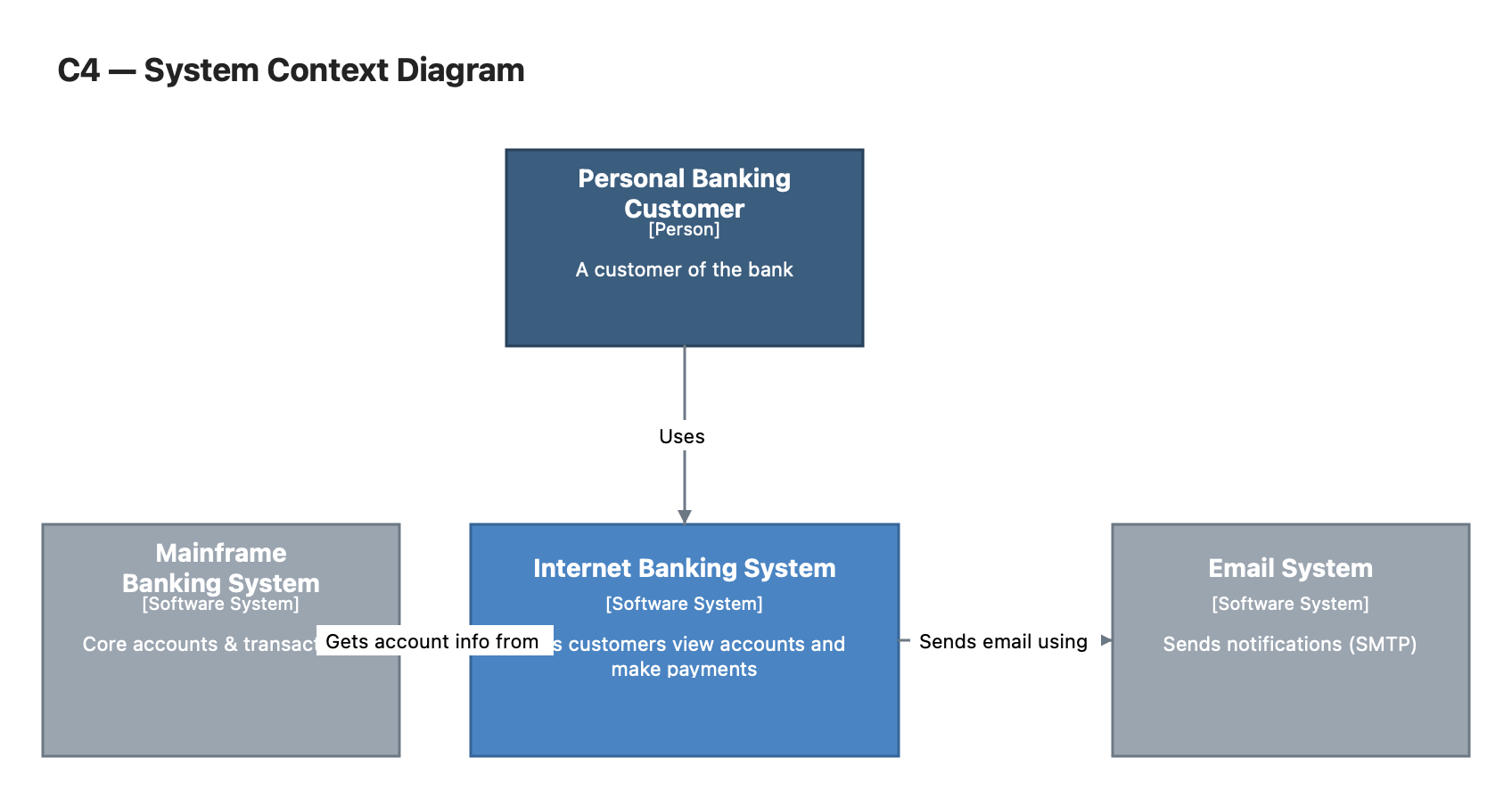
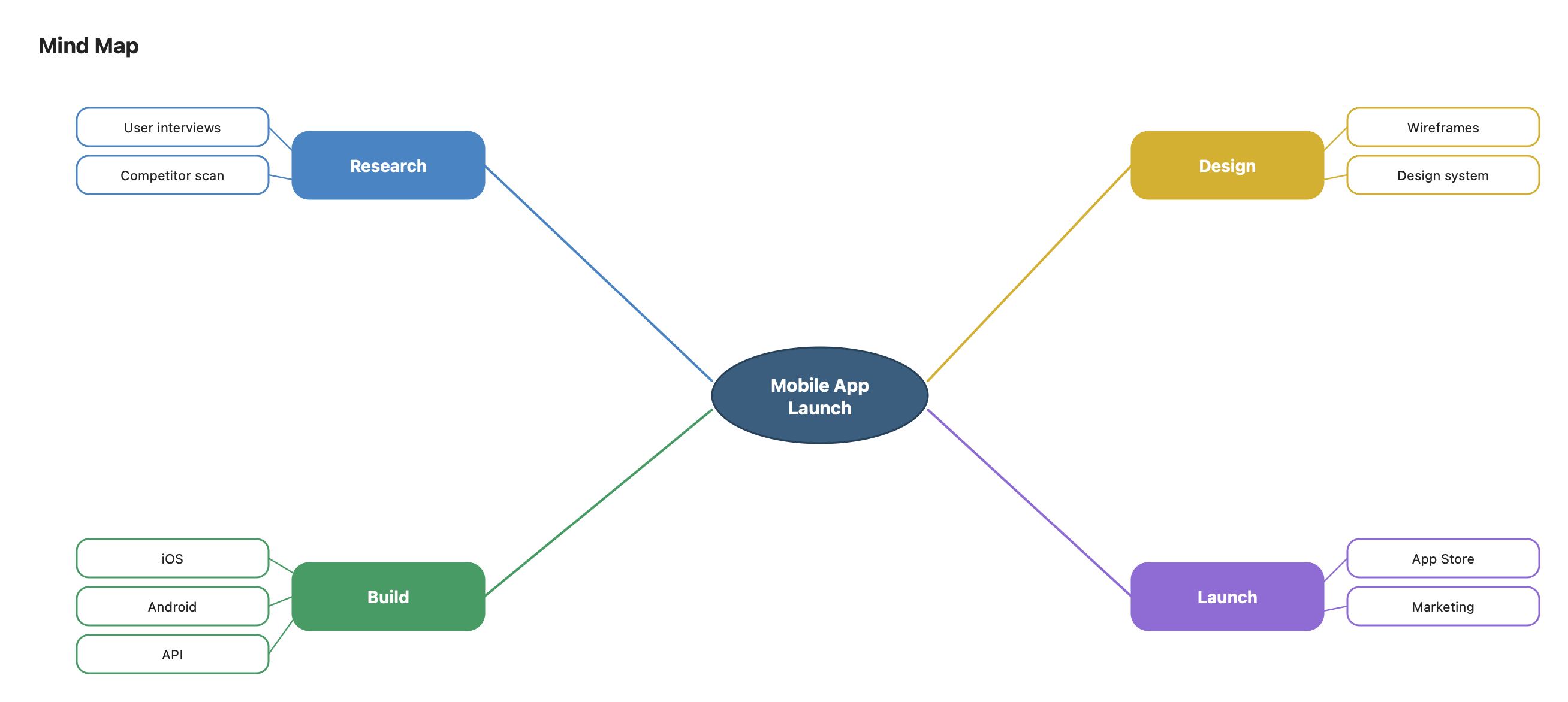
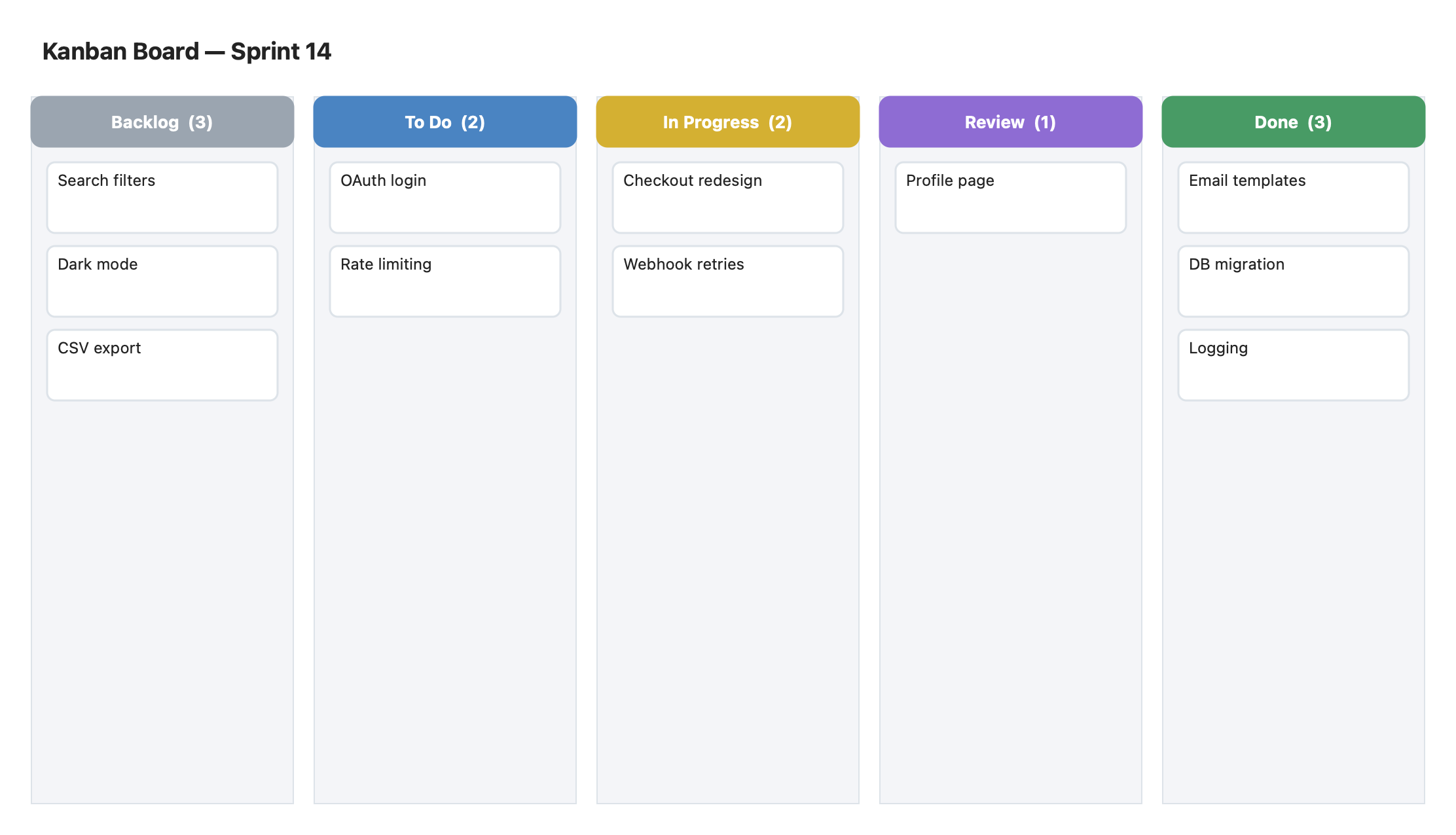
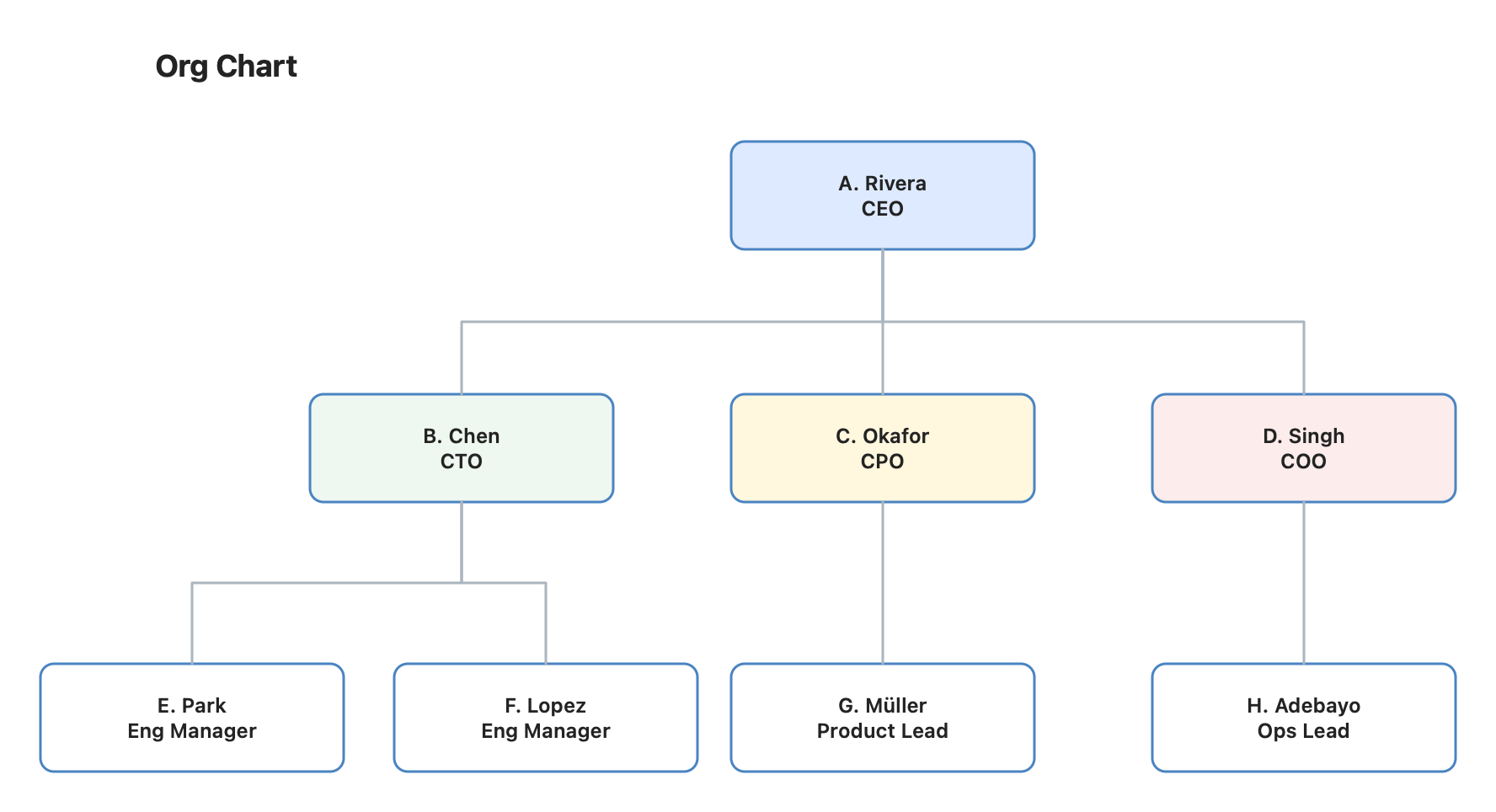
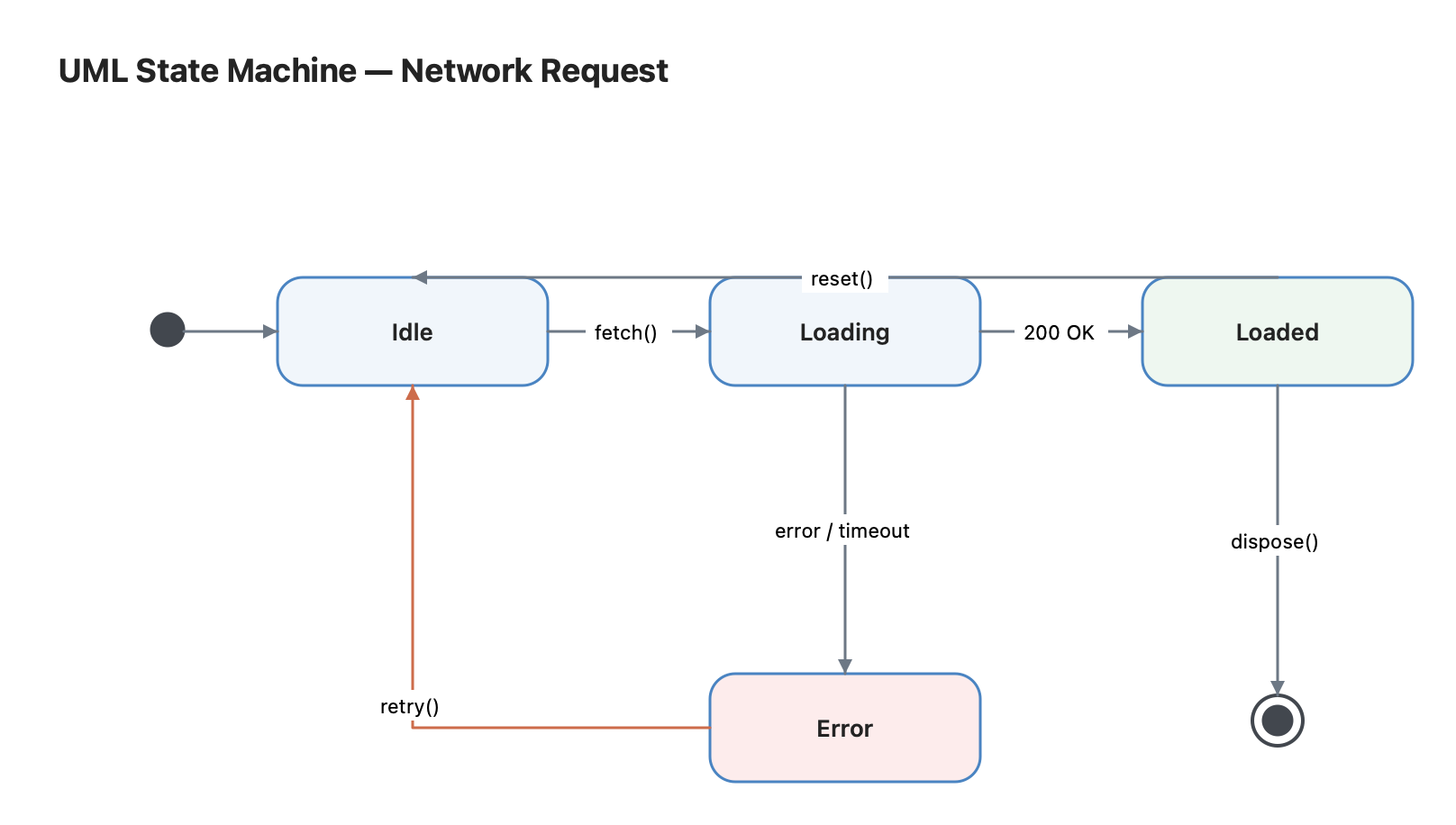
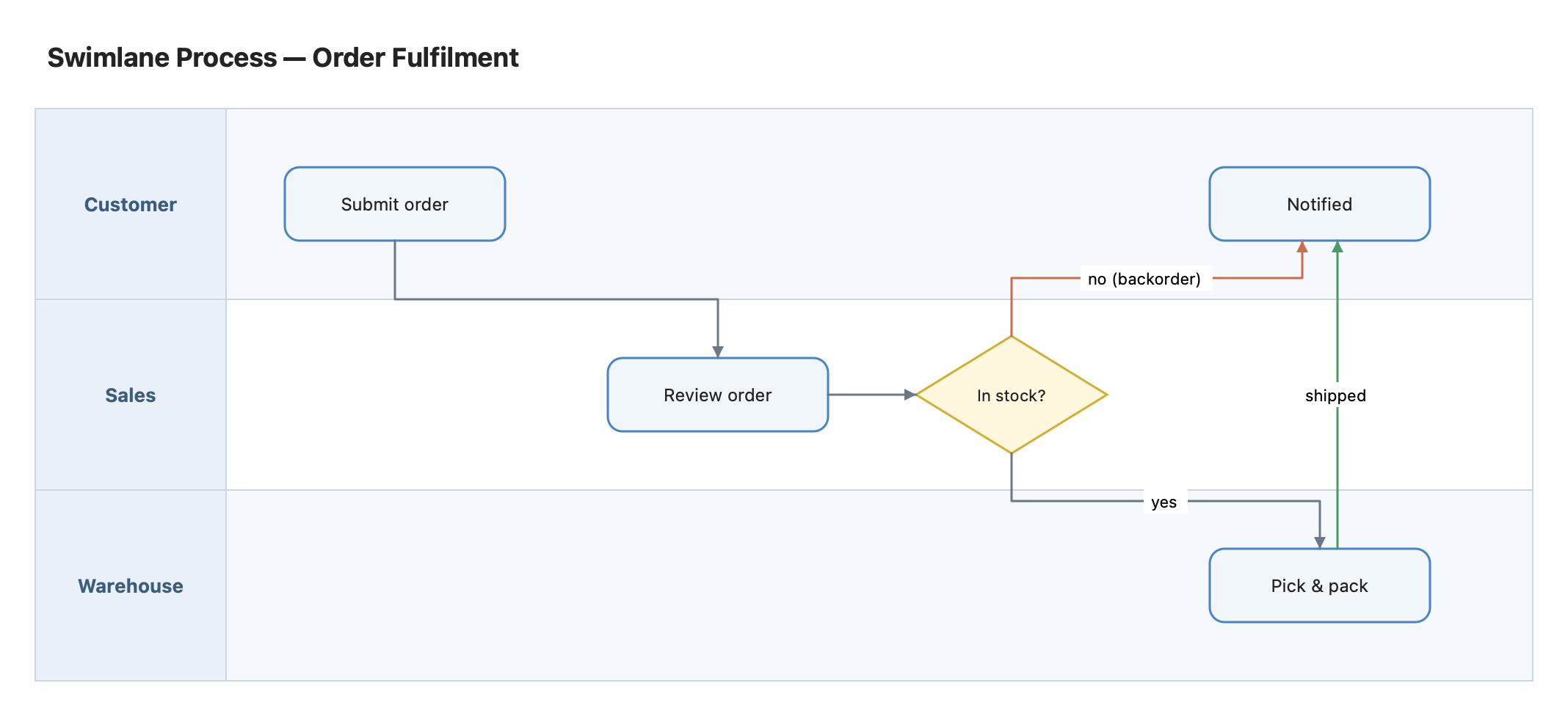
UML, C4, Kanban, swimlanes, wireframes and more — rendered here exactly as Diagrapho draws them.
Your diagrams are ordinary files on your Mac. No accounts, no telemetry, no tracking — the only network requests Diagrapho makes are the ones you ask for, using your own keys.
Pricing announced at launch
Diagrapho is coming soon to the Mac App Store — this page will link straight to it at launch.
Purchases are tied to your Apple ID, so restoring Diagrapho on a new or freshly-set-up Mac is free and takes under a minute:
The button works on a Mac with the App Store app installed. Lost access to your Apple ID? Purchases can only be recovered through Apple Support.
Diagrapho requires macOS 14 Sonoma or later.
No. The AI agent is optional and bring-your-own-key: add your own Anthropic or OpenAI API key in Settings. Every other feature works entirely without it.
Diagrams are ordinary .diagrapho files saved wherever you choose on
your Mac. There are no accounts and no cloud lock-in.
Yes — Diagrapho imports Mermaid, PlantUML, draw.io, Lucidchart, Visio (.vsdx) and CSV, and exports PNG, JPEG, PDF, SVG and interactive HTML.
Your purchase lives with your Apple ID. On any Mac, open the App Store, sign in with the same Apple ID, click your name, and re-download Diagrapho from your purchases — free, as many times as you like.
No. Diagrapho is a one-time purchase on the Mac App Store, with updates delivered through the App Store.
